SaaS Video Marketing October 4, 2026
Where to Use SaaS Product Demo Videos: 5 Key Placements
By Myna Studio
A SaaS product demo video belongs wherever a buyer needs proof before taking the next step: a campaign landing page, a product or feature page, a sales follow-up, or an internal buying discussion. Use shorter, context-specific edits for social campaigns and launches. After signup, switch to a task-focused onboarding walkthrough rather than replaying the same sales pitch.
The important question is not “Where can we upload this video?” It is “What does this viewer need to understand here?” This guide shows how to give one product story several useful jobs without making every placement feel identical.
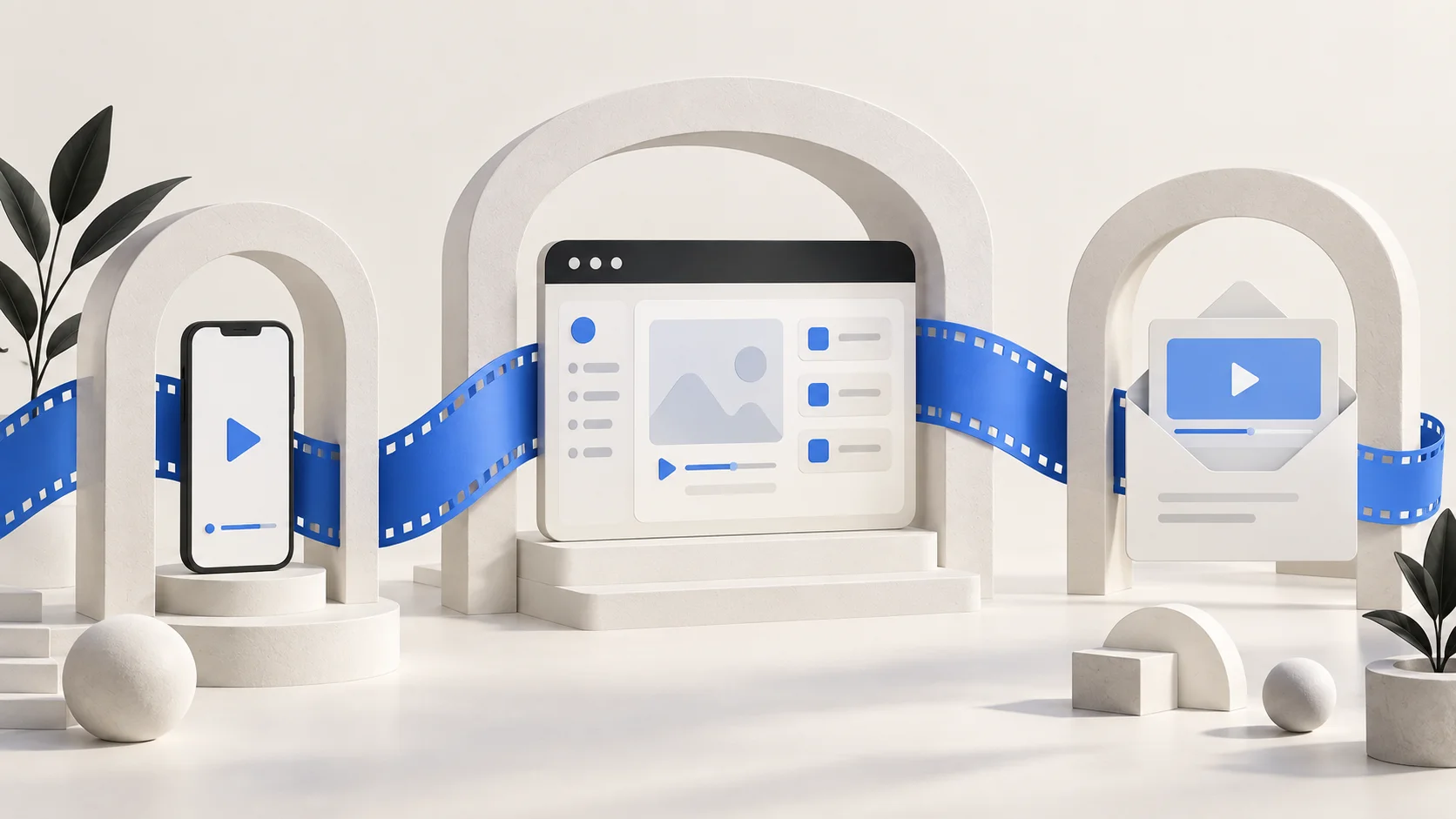
Start with one buyer question, not every channel
Choose the placement closest to your immediate business goal. If paid visitors reach your page but struggle to understand the offer, start there. If prospects repeatedly ask how a specific workflow works, build a sales follow-up video around that question. A general brand film is unlikely to resolve a detailed product objection.
Before production, write one sentence: “This video helps [audience] understand [workflow or benefit] so they can [next action].” Our SaaS product demo planning guide covers the broader briefing process.
1. Landing pages: prove the promise beside the CTA
A landing-page demo should support the promise that brought someone to the page. Show the relevant workflow early, make interface details readable on a phone, and end with the same next step as the page. A trial-focused page and a consultation-focused page need different closing messages.
For example, a hypothetical scheduling app could show a customer choosing an available time and receiving confirmation. That is more concrete than opening with a long montage of menus. This is an illustrative example, not a Myna Studio client result.
- Place the video near the claim it demonstrates, rather than hiding it below unrelated content.
- Use a clear poster image and visible play control.
- Keep the core explanation in readable page text too; watching should not be mandatory.
- Avoid loading a large video file before someone chooses to watch it.
2. Product and feature pages: answer a specific question
Someone exploring a feature page has a narrower question than a first-time homepage visitor. Instead of repeating the entire product introduction, show the starting point, the useful action, and the result of that action.
For an approvals feature, show who submits a request, who reviews it, and where the approved item appears. Avoid suggesting integrations or automation that the current product does not support. Review the final interface footage with someone responsible for product accuracy.
3. Sales follow-ups: address the objection from the conversation
A useful follow-up video answers the question the prospect actually asked. If the concern is reporting, send the reporting workflow—not a broad overview with the answer buried near the end.
Use a linked thumbnail and a short written explanation of what the recipient will see. Link to a viewing page rather than assuming the video will play inside every email client. Give the recipient a next step such as replying with a question, sharing the clip with a colleague, or booking a discussion.
For buying committees, make the explanation understandable without the original sales call. Define essential terms and avoid references such as “as we discussed earlier” when the video may be forwarded.
4. Paid social and launches: rebuild the opening
A person scrolling through a feed does not have the context of someone reading your product page. Start with a recognizable problem or a visible outcome, then show enough product evidence to make the next click worthwhile.
Do not simply trim the first few seconds from a longer film. A short edit needs its own beginning, middle, and ending. Captions and essential on-screen text should make the message understandable without sound. Check placement specifications before export and keep key interface details away from areas covered by platform controls.
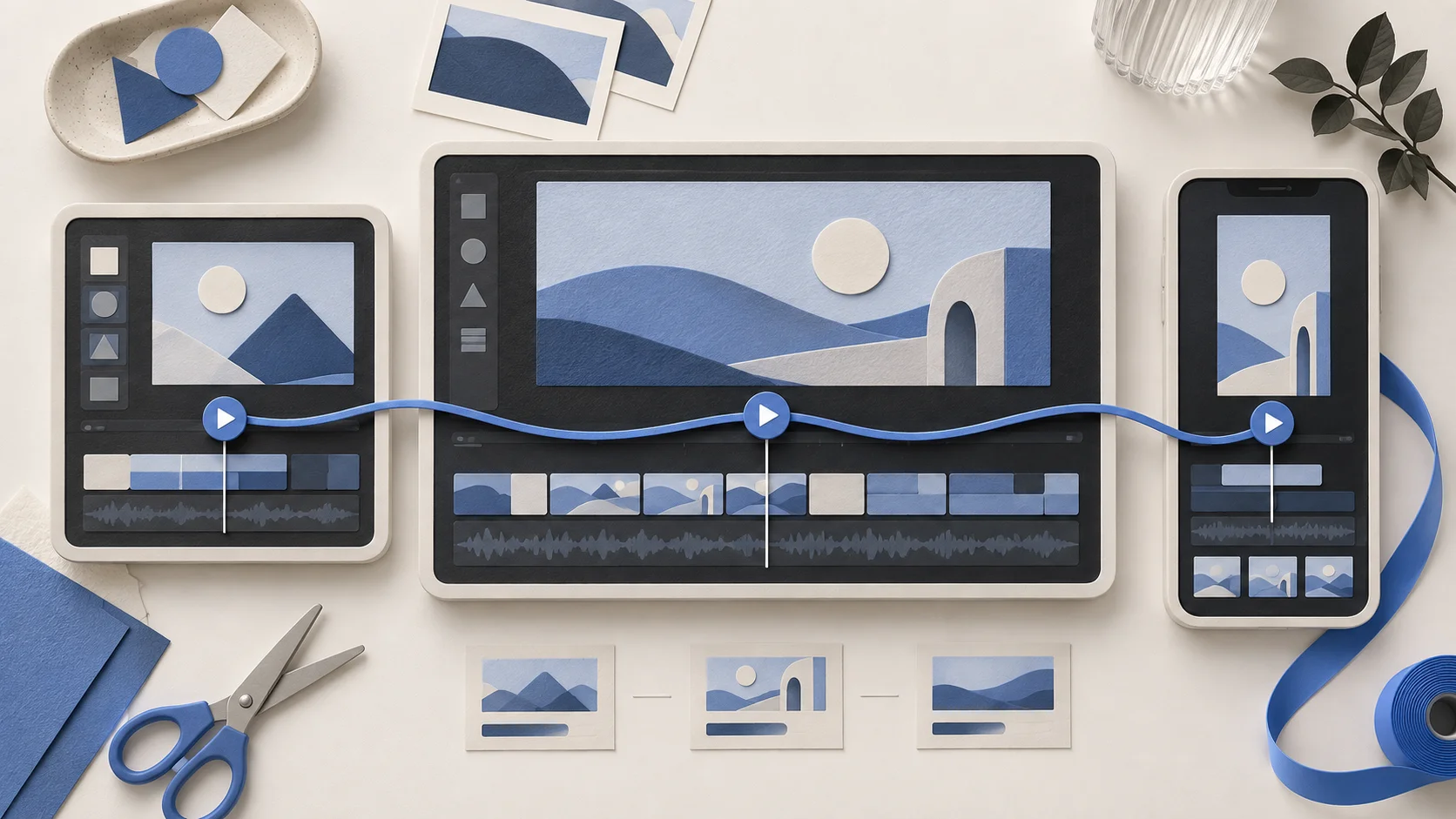
5. Onboarding: change the goal from buying to doing
After signup, the viewer needs help completing a task. Replace the promotional opening with the required starting state, the steps to follow, and a clear indication of success. If there are several tasks, separate them into focused walkthroughs rather than creating one long tour.
Sales animation can simplify an idea; onboarding must accurately show where to click and what happens next. Keep a record of which product version the footage represents and review it when the interface changes.
Build a reusable video system—not identical copies
Plan reusable scenes around a common story: the problem, the workflow, the result, and the next action. Then decide which scenes each placement needs. Our product demo video script template helps organize the message, while the storyboard template helps map the visual evidence.
- Landing page: enough context to understand the product and a CTA that matches the page.
- Sales follow-up: one objection or workflow, with a next step suited to the conversation.
- Social edit: a fresh hook, a focused product moment, and a reason to visit the destination.
- Onboarding: exact instructions for completing one useful task.
Agree on additional edits, aspect ratios, caption files, voiceover, and revision rounds before production. Reusing scenes can reduce duplicated work, but a genuinely different story still needs creative time.
Measure the next action, not only video views
Choose a primary outcome for each placement: a qualified enquiry, trial start, reply, or completed onboarding task. Then use watch and engagement data to diagnose the journey—not as a substitute for the outcome.
For a landing-page test, compare equivalent traffic sources and track CTA completion as well as play rate. A rise in plays does not automatically mean more qualified leads. If traffic is limited, avoid declaring a winner after a handful of visits. Record changes to the page, campaign, and audience so you do not attribute every movement to the video.
A practical pre-launch checklist
- Can someone explain the video’s purpose in one sentence?
- Does the first scene match the promise of the ad, email, or page?
- Is the product interface readable on a real phone?
- Do captions and the written page explanation cover the essential message?
- Does the CTA lead to the intended next step?
- Have you removed private customer data from the footage?
- Does the page remain usable before the video loads?
- Have you assigned an owner to review the video when the product changes?
Frequently asked questions
Can we use the same SaaS product demo video everywhere?
You can reuse parts of the production, but the opening, level of detail, format, and CTA should match the placement. A sales follow-up and an onboarding walkthrough usually need different explanations.
How long should each version be?
Use the shortest duration that answers the viewer’s question clearly. Start with the required story beats rather than an arbitrary runtime. A social introduction may need far less detail than a workflow demonstration.
Should the landing-page video autoplay?
For an explanatory demo, a clear play control gives the visitor control over watching and sound. Decorative muted loops are a different use case. Avoid making an autoplay animation the only way to understand your offer.
Should we make a new video for every feature?
Prioritize features that create recurring buyer questions or onboarding friction. A focused written explanation or screenshot may be enough for a simple feature; video is useful when sequence, movement, or a change of state matters.
Plan your next SaaS video with Myna Studio
Myna Studio creates SaaS product demos and explainer videos. Share your product, intended audience, and the first place the video will be used. We can discuss the story and the versions your project needs. Explore our SaaS product demo video production service or send your project brief.