SaaS Video Marketing August 30, 2026
SaaS Explainer Videos: A Practical Guide for Software Companies
A strong SaaS explainer video gives a buyer the context they need to understand your software, see why it matters and choose a sensible next step. The challenge is not simply making the animation look polished. It is deciding what to explain, what to leave out and how to turn a complex product into one clear story.
This guide explains how software companies can plan an explainer that supports marketing and sales without becoming a rushed feature tour. It covers strategy, structure, visual direction, production and distribution, with practical decisions your team can make before animation begins.
What Is a SaaS Explainer Video?
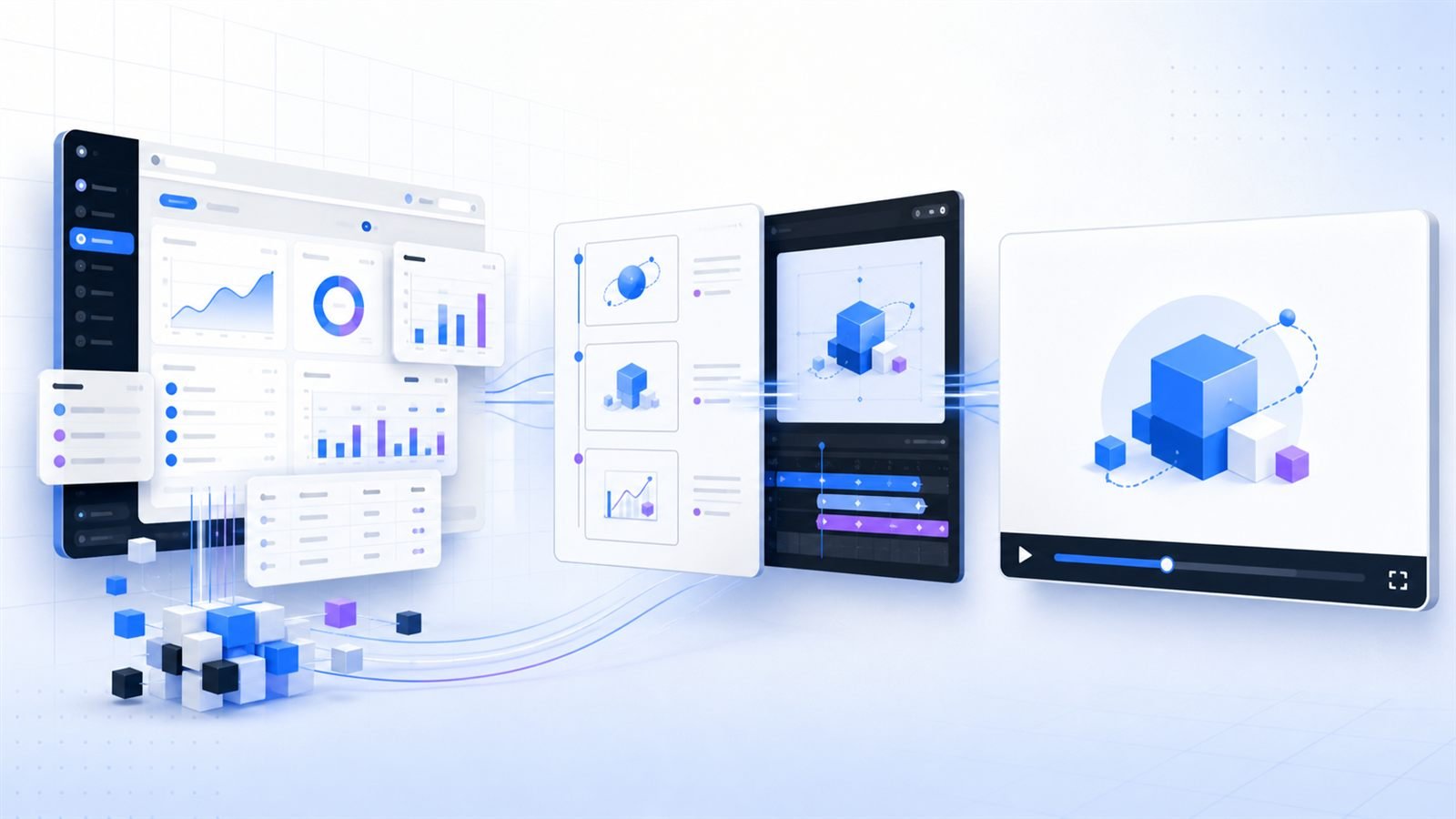
A SaaS explainer video is a short, structured video that helps a defined audience understand a software product, the problem it solves and the value of taking action. It may use animated interfaces, motion graphics, narration, typography, live action or a combination of formats.
The best format depends on what the viewer needs to believe. A new category may require problem framing and visual metaphor. A familiar category with a distinctive workflow may benefit from accurate UI animation. An enterprise product may need a broader story that connects several teams, systems and outcomes.
Explainer Video vs. Product Demo Video
Explainer videos and product demos overlap, but they usually perform different jobs. An explainer focuses on the why: the buyer’s problem, the product’s promise and the change it creates. A product demo focuses more heavily on the how: the interface, workflow and important interactions.
| Format | Primary job | Best use |
|---|---|---|
| SaaS explainer video | Create understanding and interest | Homepage, campaigns, launch and awareness |
| Product demo video | Show a workflow or capability | Sales enablement, product pages and evaluation |
| Onboarding video | Help an existing user succeed | Help centers, email sequences and in-product education |
Some projects should blend the two. A concise story can establish the problem and outcome before selected interface moments prove that the software is credible. For a deeper planning framework, read our SaaS product demo video planning guide.
Where a SaaS Explainer Video Creates Value
- Homepage: clarify the product before a visitor reaches a detailed feature section.
- Product launch: introduce a new capability with one consistent narrative across channels.
- Paid campaigns: create focused cutdowns for specific audiences, pain points or use cases.
- Sales conversations: provide a reliable introduction before a live demonstration.
- Events and presentations: communicate the product quickly when attention is limited.
- Customer education: adapt the visual system into onboarding and feature-explanation assets.
Plan distribution before production. A homepage needs different pacing and framing from a silent LinkedIn clip. Knowing the intended placements early helps your team choose the right duration, aspect ratios, caption strategy and call to action.
A Clear Framework for the Story
1. Define one audience and one outcome
Start with the person who must understand the product. A founder, operations leader, developer and procurement stakeholder will notice different details. Choose the primary viewer and identify the single most important idea they should remember after watching.
2. Open with recognizable tension
Earn attention by describing a situation the viewer already recognizes: fragmented workflows, slow reporting, difficult handoffs or unclear data. Keep the problem specific enough to feel true. The objective is not drama for its own sake; it is relevance.
3. Introduce the product as the change
Move from problem to product quickly. Explain the core mechanism in plain language, then use visuals to demonstrate how the experience improves. Avoid describing every feature. Select the two or three moments that best prove the main promise.
4. End with a visible outcome and one CTA
Show what becomes easier, faster or clearer for the user. Then make the next step unmistakable: book a consultation, start a trial, explore a use case or watch a detailed demo. Competing calls to action weaken an otherwise focused story.
The SaaS Explainer Video Production Process
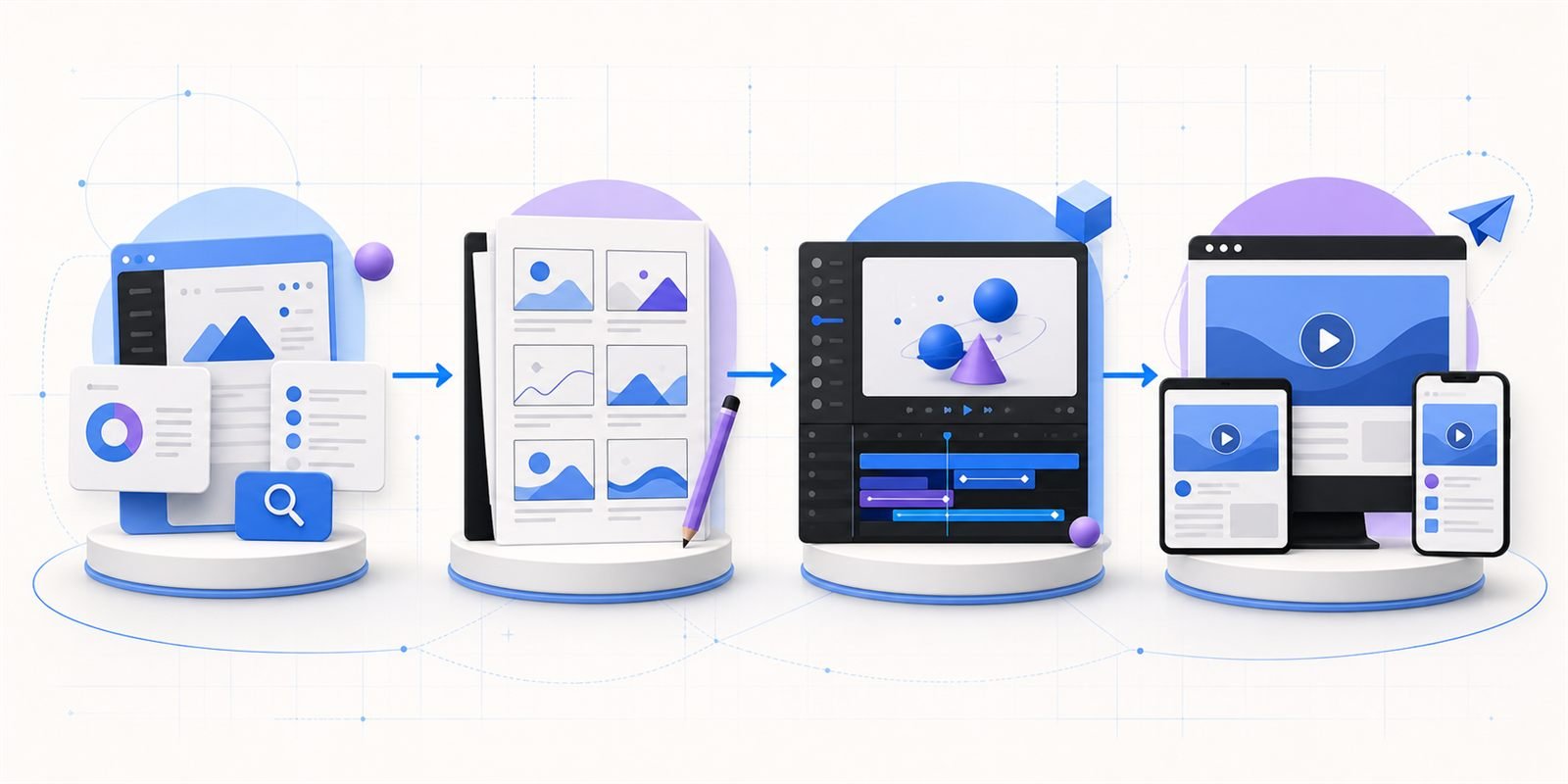
Discovery and message strategy
Collect the product context before writing. Useful inputs include the landing page, sales deck, recorded product walkthrough, customer language, competitive positioning and a conversation with someone who understands the buyer. The goal is to identify the strongest narrative, not to copy the existing website into a script.
Script and voice direction
Write for listening rather than silent reading. Short sentences, intentional pauses and concrete language make narration easier to follow. Read the script aloud before approval. This exposes awkward phrases and helps the team judge pace without waiting for animation.
Storyboard and style frames
A storyboard connects each spoken idea to a visual purpose. Style frames then define typography, color, interface treatment, illustration and visual hierarchy. Approving these decisions early prevents expensive changes after motion work begins.
Animation, sound and delivery
Motion should direct attention and explain relationships. Sound design adds rhythm and polish, while captions protect comprehension when audio is unavailable. Final delivery can include a primary video, shorter cutdowns, square or vertical versions, thumbnail artwork and silent variants for specific placements.
How Long Should the Video Be?
Duration should follow the job of the video. A homepage explainer often needs to establish one problem, one mechanism and one outcome. A product evaluation asset may need more time because the viewer is actively seeking detail. Start with the minimum information required for the intended decision, then remove repetition.
If the script keeps expanding, the project may need a content system rather than one long video: a short explainer for the main story, supporting demos for important workflows and onboarding clips for existing users.
Common Mistakes to Avoid
- Trying to explain the entire platform: the viewer loses the central idea.
- Starting with company history: the audience’s problem should arrive first.
- Choosing style before strategy: a visual trend cannot rescue an unfocused message.
- Showing inaccurate UI: simplified interfaces should remain believable and consistent.
- Approving animation before the script: late structural changes create unnecessary rework.
- Ignoring distribution: one export rarely performs equally well across every channel.
- Using heavy page assets: videos and images should be compressed, responsive and loaded only when needed.
What to Include in Your Creative Brief
- The primary audience and their level of product awareness.
- The problem the video must make recognizable.
- The single product promise to remember.
- The most convincing workflow or proof point.
- The intended landing page, campaign or sales use.
- The desired call to action.
- Brand guidelines, interface files and existing messaging.
- Required formats, deadlines and review stakeholders.
A clear brief saves time, but it does not need to contain a finished script. A good production partner should help refine the message and recommend the right visual approach. See how Myna Studio approaches SaaS product demo and explainer video production, or review selected work in our portfolio.
How to Measure Performance
Choose measurement based on placement. On a landing page, useful signals may include play rate, meaningful watch progress, CTA clicks and qualified conversions. In sales, track whether the video improves preparation, reduces repeated explanations or helps prospects reach the right questions sooner. For onboarding, completion and support behavior may matter more than raw views.
Performance data should guide future versions. A weak opening may need a sharper problem statement. A drop during a dense workflow may signal that the story is carrying too much detail. Strong engagement on a specific section may justify a dedicated product demo.
SaaS Explainer Video FAQ
Do we need a finished script before contacting a studio?
No. Product notes, a recorded walkthrough, sales material and a discovery conversation are enough to begin. The script should be developed around the audience and objective rather than treated as a transcript of the interface.
Should an explainer show the real interface?
Use the interface when it provides proof or makes the product easier to understand. Simplified UI animation can highlight the important action without reproducing every control. For abstract systems, diagrams and visual metaphor may explain the value more clearly.
Can one video be reused across channels?
Yes, if reuse is planned from the beginning. Build a strong master narrative, then create shorter edits, captions and alternative aspect ratios for specific placements. Avoid simply cropping the final video after production.
Turn Your SaaS Product Into a Clear Story
Tell us what your product does, who needs to understand it and where the video will be used. We will recommend the clearest format and production approach.