SaaS Video Marketing August 28, 2026
SaaS Product Demo Videos: A Practical Planning Guide
A SaaS product demo video has one job: help the right viewer understand how your software solves a meaningful problem. It is not a compressed help center, a tour of every menu, or a list of features set to music. The strongest demos choose one audience, one outcome, and one clear next step.
This guide explains how to plan a SaaS product demo video before recording begins. You will learn how to choose the right story, structure the script, prepare the product interface, direct attention, and review the finished video with a practical checklist.
What is a SaaS product demo video?
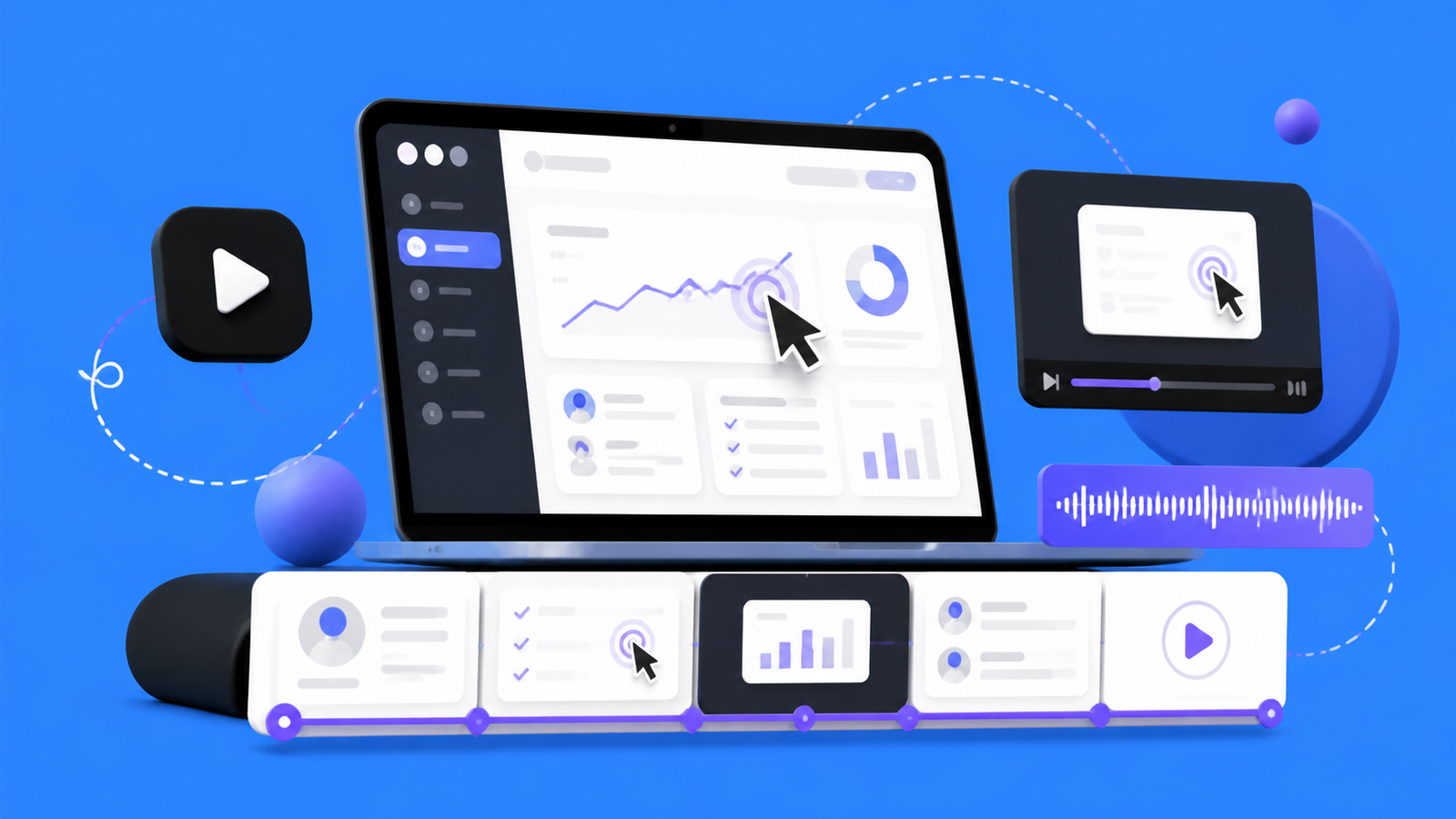
A SaaS product demo video shows software completing a real task. It combines product interface footage, concise narration, motion design, and visual cues so viewers can quickly connect the product with the result they want.
A demo video is different from a general brand film. A brand film builds familiarity and emotion. A product demo provides proof. It shows what happens inside the product and why that workflow matters to a specific user.
Start with one viewer and one decision
Before writing a script, define who the video is for and what decision that person should feel ready to make afterward. A founder comparing tools needs different information from an operations manager evaluating a workflow. Trying to satisfy every audience usually produces a vague, crowded demo.
Write down three answers:
- Viewer: Who is the primary person watching?
- Problem: What frustrating or expensive situation are they trying to change?
- Next step: Should they start a trial, book a call, explore a feature, or share the product with their team?
These answers create a filter for every scene. If a feature does not help the viewer understand the chosen outcome, it probably does not belong in this video.
Choose one use case instead of every feature
Software teams naturally want to show the breadth of the product. Viewers, however, need a simple path they can follow. One complete use case is usually more persuasive than a rapid tour of unrelated capabilities.
Choose a workflow that has a visible beginning and end. For example: importing data, finding an insight, creating an output, and sharing the result. The viewer should be able to describe what changed after watching the sequence.
If several features are equally important, consider a short series rather than one overloaded video. A homepage overview can introduce the core value, while separate videos can support feature pages, sales follow-ups, onboarding, and product launches.
Build the story around problem, action, and result
A clear SaaS product demo video can be planned in three parts:
1. Establish the problem
Open with the situation the viewer already recognizes. Keep the setup specific and brief. The goal is not to dramatize every pain point; it is to create immediate relevance.
2. Show the product in action
Move through the shortest believable sequence that solves the problem. Show the interface at a readable scale and explain why each action matters. The narration should add meaning rather than simply describe every click.
3. Make the result visible
End the workflow with a clear outcome: a report is ready, a task is automated, a team is aligned, or a customer can take the next step. Then use a focused call to action that matches the viewer’s stage.
Write for the ear, not the page
Spoken copy needs shorter sentences, natural transitions, and room for the visuals to breathe. Read the script aloud before recording. If a sentence feels difficult to say, it will probably feel difficult to follow.
A useful script outline is:
- A direct opening that names the viewer’s problem.
- A one-sentence promise of the outcome.
- The product workflow, broken into only the essential steps.
- A concise statement of the result.
- One clear call to action.
Avoid turning the voiceover into a feature list. Let the interface show actions while the narration explains context, benefit, and meaning.
Prepare the interface before recording
Clean product footage makes the final video easier to understand and faster to edit. Before capturing the screen:
- Use realistic sample data that supports the chosen story.
- Remove personal, confidential, or distracting information.
- Close unrelated tabs, notifications, and browser extensions.
- Set a consistent window size and browser zoom level.
- Plan the exact cursor path and avoid unnecessary movement.
- Test every step so loading states and errors do not interrupt the recording.
If the interface contains small details, record at a high resolution and plan close-ups. Viewers should never have to guess which button, field, or result the narration is describing.
Use motion design to guide attention
Motion design should clarify the product, not compete with it. Cursor emphasis, controlled zooms, highlights, labels, and transitions can help the viewer follow the workflow. Use them consistently and only when they improve comprehension.
Brand elements can connect the interface footage with the rest of your marketing. Typography, color, iconography, and sound should feel like part of the same system used on your website and product pages.
Myna Studio combines interface capture with animation and sound design to turn complex product flows into clear visual stories. Explore our video services or view selected work in our portfolio.
Plan the video for its destination
The best structure depends on where the video will appear. A homepage visitor needs a fast overview. A feature-page visitor may be ready for more detail. A social viewer needs an immediate visual hook, while a sales prospect may need a focused answer to one objection.
Decide the primary placement before production so the aspect ratio, opening pace, caption style, call to action, and export settings fit the context. You can then create shorter or reformatted versions from the same core material.
Review the demo with a practical checklist
Before approving the final cut, ask:
- Can a new viewer identify the problem within the opening moments?
- Does the video focus on one audience and one outcome?
- Is every important interface element readable?
- Does the narration explain value instead of repeating the screen?
- Are the motion cues consistent and purposeful?
- Can any scene be removed without reducing understanding?
- Does the final call to action match the viewer’s likely next step?
Watch the video once without sound and once without looking closely at the screen. The silent review tests visual clarity; the audio-first review reveals whether the narration has a logical flow.
Common mistakes to avoid
Showing too much
A crowded demo makes every feature feel less important. Choose the smallest workflow that proves the value.
Starting with company history
Viewers usually care about their problem before they care about the company. Lead with relevance and establish the brand through the quality of the story and design.
Recording before the script is approved
Late script changes often force new interface captures, new voiceover, and additional animation work. Lock the story and shot list first.
Using unreadable product footage
Tiny interface details, rapid cursor movement, and unplanned zooms create friction. Direct the viewer’s eye deliberately.
Ending without a clear next step
A demo can be informative and still underperform if the viewer does not know what to do next. Choose one action and make it easy.
Turn your product workflow into a clear story
A successful SaaS product demo begins with disciplined planning. Define the viewer, choose one use case, write for spoken delivery, prepare the interface, and use motion to make the important moments easier to follow. The result should feel simple even when the product is sophisticated.
Need help translating your software into a polished product story? Send Myna Studio your project brief or book a free consultation.